Shut down, restart or restore the gateway (Snape 1.0)
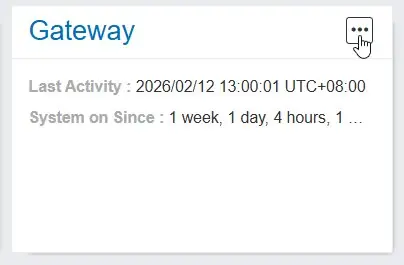
The “Gateway” panel allows users to safely shutdown, restart, or restore your gateway and its software to factory settings. Click on the three dots in the “Gateway” panel of your gateway and select one of the following actions
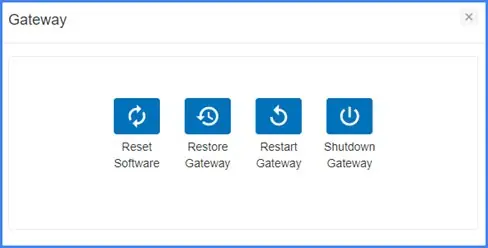
 Reset Software
This resets the software running on your gateway. This can be useful in scenarios where nodes have disconnected from the gateway and the network needs to be re-formed.
 Restore Gateway
This restores your gateway to its factory settings and deletes all of the settings, data, and project information stored on the gateway. Ensure that you have backed-up your data before restoring gateway to factory settings
 Restart Gateway
This safely restarts or reboots your gateway. Any unsaved changes would be lost and you will lose connection to your gateway. It will take 1-2 minutes before you can reconnect and get access.
 Shutdown Gateway
This safely shuts down your gateway. Any unsaved changes would be lost and you will permanently lose connection to your gateway. Take care when triggering it remotely and you do not have physical access to your gateway.