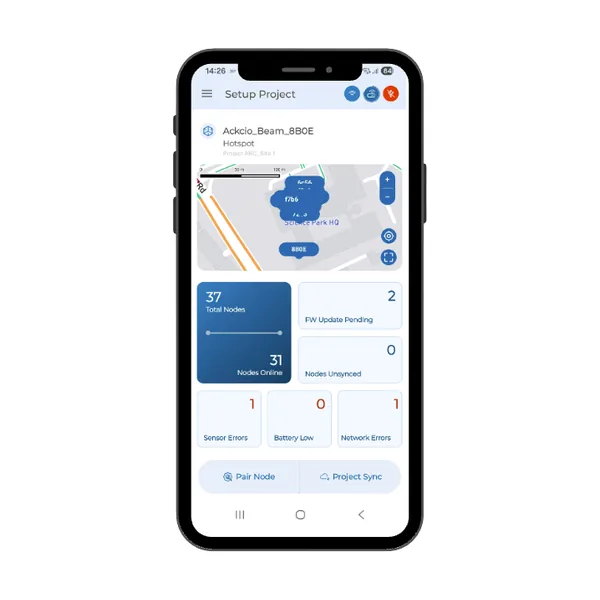
ANDROID APP
Nimbus app
Set up, sync and update your nodes from an Android phone.
Guides with a Snape 1.0 version open that version when your setup is Snape 1.0.
Get started
- Download the Ackcio Nimbus appKC-02-027
- Turn on permanent node loggingKC-02-028
- Download your project configurationKC-02-029
- Connect your Android phone to a nodeKC-02-030
Commission and maintain nodes
- Set up your nodeKC-02-031
- Sync node settings with your gatewayKC-02-032
- Export data from your nodeKC-02-035
- Update node firmware with your Android phoneKC-02-037
- Run a range test with your nodeKC-02-038