Export data from your node (Standalone)
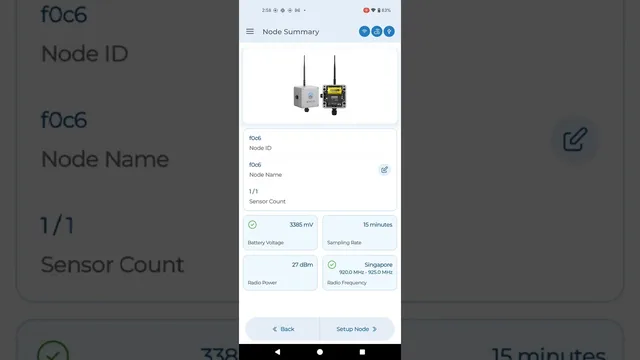
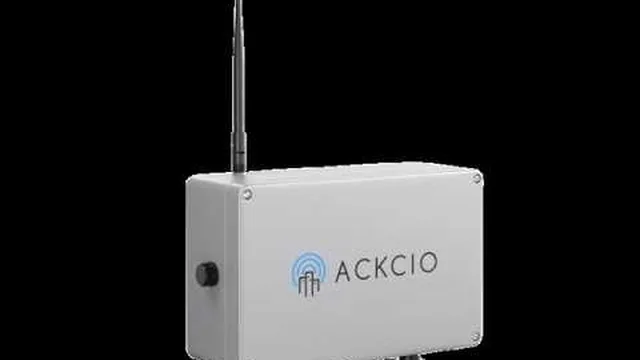
Exporting of data from your Node
In Standalone mode the Node keeps its sensor data in its own memory. Export it on site with the Ackcio Nimbus application:
1. Connect your Android device to the Node with the OTG adapter and Micro USB cable, and open it in the Ackcio Nimbus app. This brings you to the Node Setup screen.
2. Tap on the Export icon next to Node memory, key in the number of days of data you would like to download or FULL DATA.
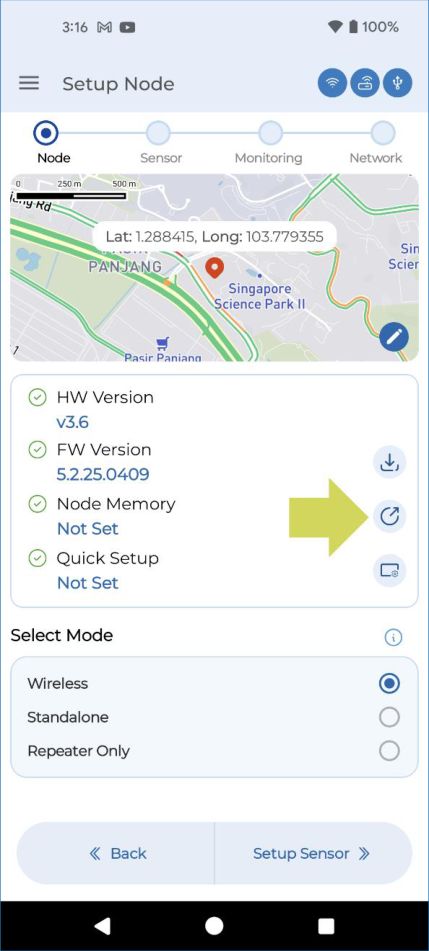
3. You will then receive a pop up message indicating that the export was successful. The exported CSV file(s) can then be found in the same Node Memory row where you can conveniently share it via whatsapp, email or other applications.
NoticeWhen you export SAA data from a DG node, you will receive the SAA data as a CSV file instead of a DAT file.