Install your gateway
All (Snape 1.0 and Snape 2.0)Version 1.1 · 6 November 2026KC-02-005
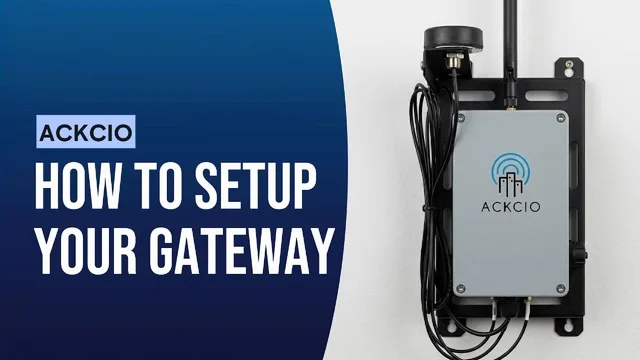
Installing Your Gateway
This instruction manual will explain the basic installation and setup process for the Ackcio Gateway. To install your gateway, you’ll need the following equipment.
- One BEAM-GW Gateway
- One BEAM-BK-GW bracket for vertically or pole mounting your gateway.
- A 12V/3A power adapter for the Gateway (provided by Ackcio) or a 12V battery
- A computer with Wi-Fi connectivity
- A 3.6V ER34615 D Cell battery (not needed for HW 3.6, where the backup battery holder is disabled)
- Additional equipment required for solar power. (see Option 2: Solar Panel in Powering the Gateway)
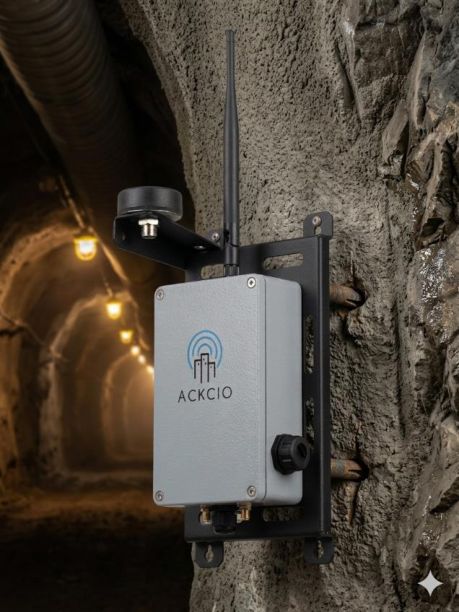
Choosing the location of your gateway:
For the best results, we recommend installing your gateway in an elevated location with line of sight to as many nodes as possible and at a central location. Try to install your gateway in an open area, away from obstructions like walls and fences.
For best radio performance, mount the Gateway with these guidelines:
As high as possible
- At least 5 to 10 feet above ground or roofline
Away from obstructions
- At least 12 inches from any wall, parapet, or structure
Away from other antennas
- At least 12 inches from other antennas to avoid interference
Away from metallic surfaces
- At least 18 inches from metal surfaces to prevent signal distortion
Away from electrical noise
- At least 10 feet from external power lines to reduce RF noise
CautionEnsure your gateway’s antenna is not in contact with any metal objects, as its signal could be grounded.