ACKCIO SUPPORT
How can we help?
Guides, FAQs and videos for Ackcio gateways, nodes and software.
Answers come from Ackcio guides, with sources.
Getting Started Videos
STEP-BY-STEP FROM A TO Z
Pick once. Every guide then matches your system.Start with your setup
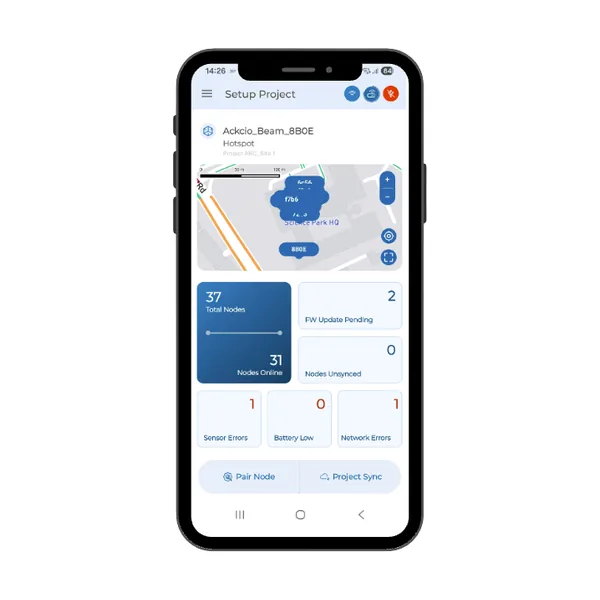
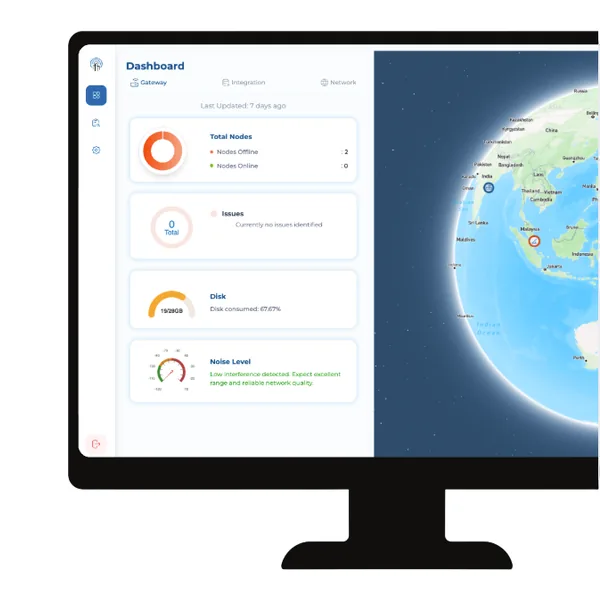
 Snape 2.07 stepsLight login screen. Gateway, nodes and Snape.Open the A to Z guide
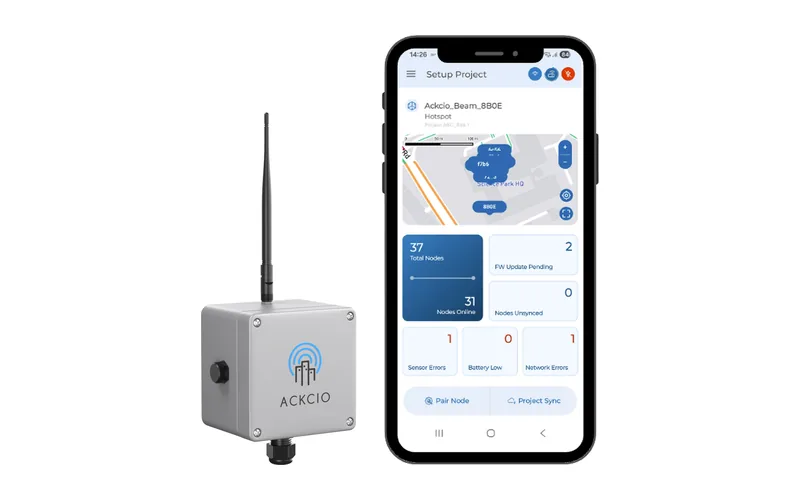 Standalone4 stepsNodes without a gateway. Collect data on site with Nimbus.Open the A to Z guide
Older gateway with a dark login screen? Open the Snape 1.0 guide
VIDEO GUIDES
All videos Getting Started Videos
Short videos for every system. They open on YouTube.
Gateway, Snape and Nimbus
 Snape 1.0 and 2.0Unboxing, mounting & powering up the GatewayWatch on YouTube ↗
 Snape 2.0Configuring the Snape 2.0 web interfaceWatch on YouTube ↗
 Snape 1.0Configuring the Snape 1.0 web interfaceWatch on YouTube ↗
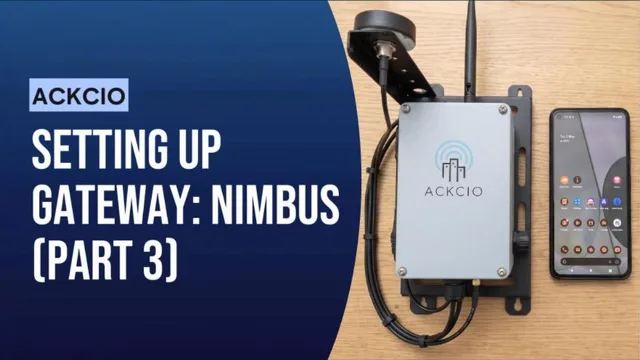 Snape 1.0 and 2.0Downloading the project to NimbusWatch on YouTube ↗
Node commissioning with a Gateway
- BEAM-AN-S1Voltage · Watch on YouTube
- BEAM-AN-S4Voltage, potentiometer, current loop · Watch on YouTube
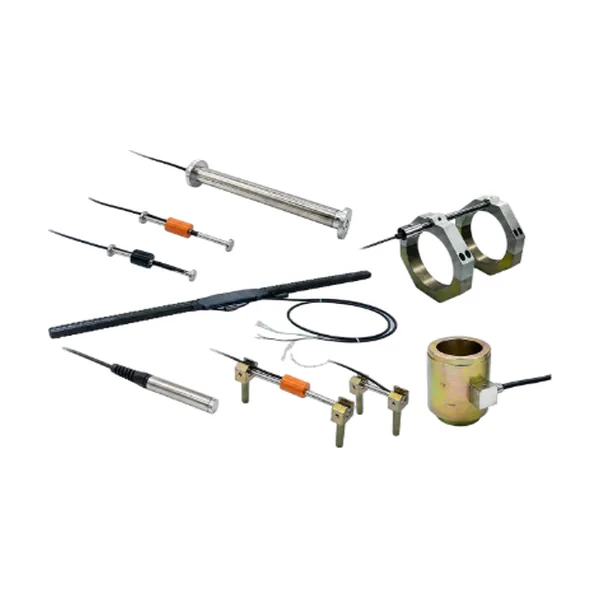
- BEAM-VW-S1Piezometer · Watch on YouTube
- BEAM-VW-S8Piezometer, strain gauge, crackmeter · Watch on YouTube
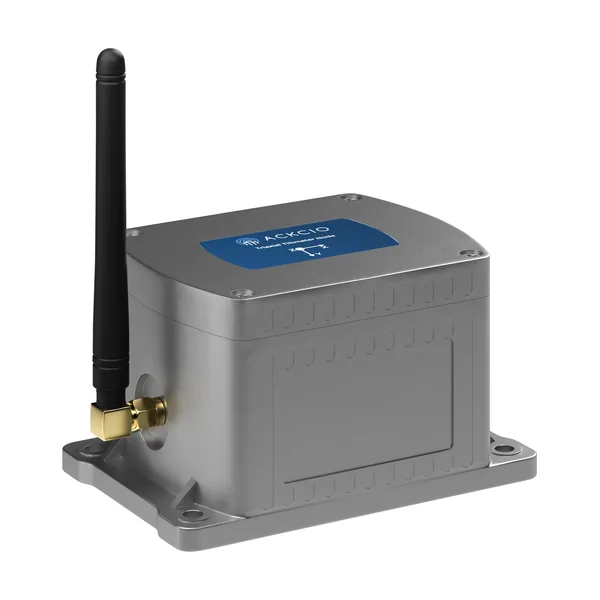
- BEAM-TMTilt node · Watch on YouTube
- BEAM-RNRepeater · Watch on YouTube
- BEAM-DG16 sensor videosOpen guide →
- BEAM-TM-LVideo in the TM-L guideOpen guide →
- GeoArray3 videos in the GeoArray guideOpen guide →
Tools
Try Snape, plan your network and check your sensors.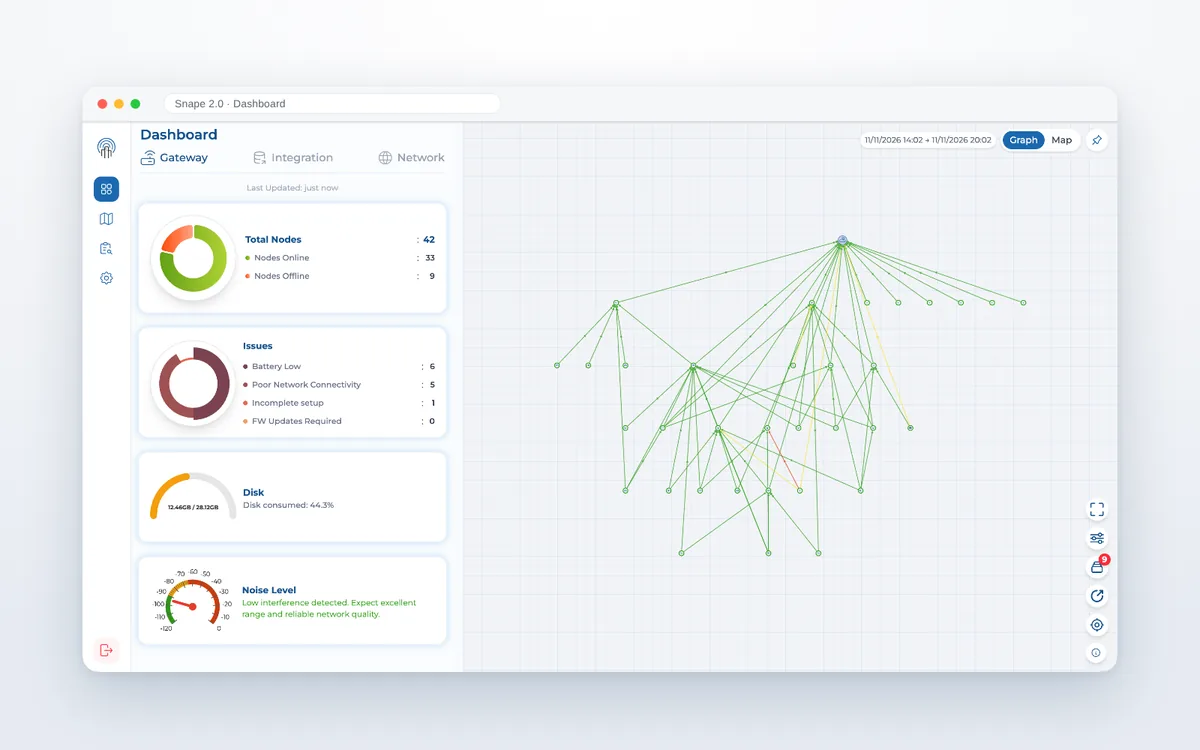 Snape demoExplore Snape 2.0 on a sample project. Nothing touches a real gateway.Open the demo
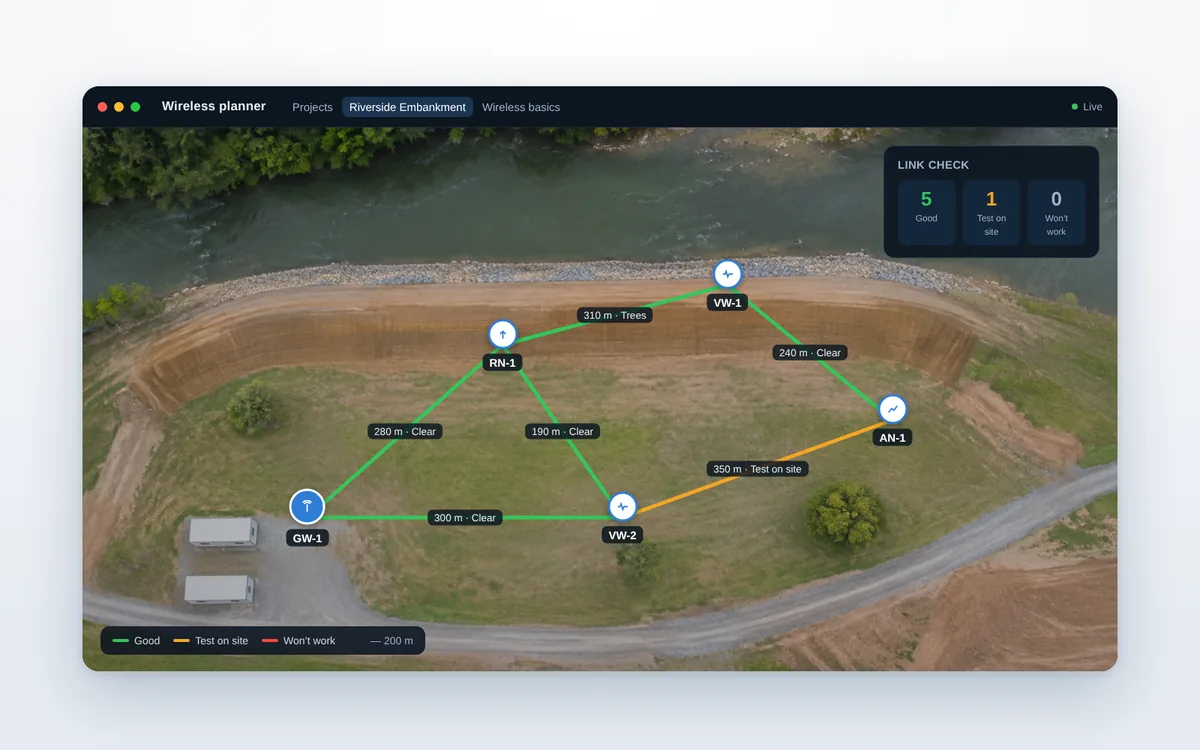 Wireless plannerPlan your wireless network on a map or site drawing. Sign in with your client code.Open the planner
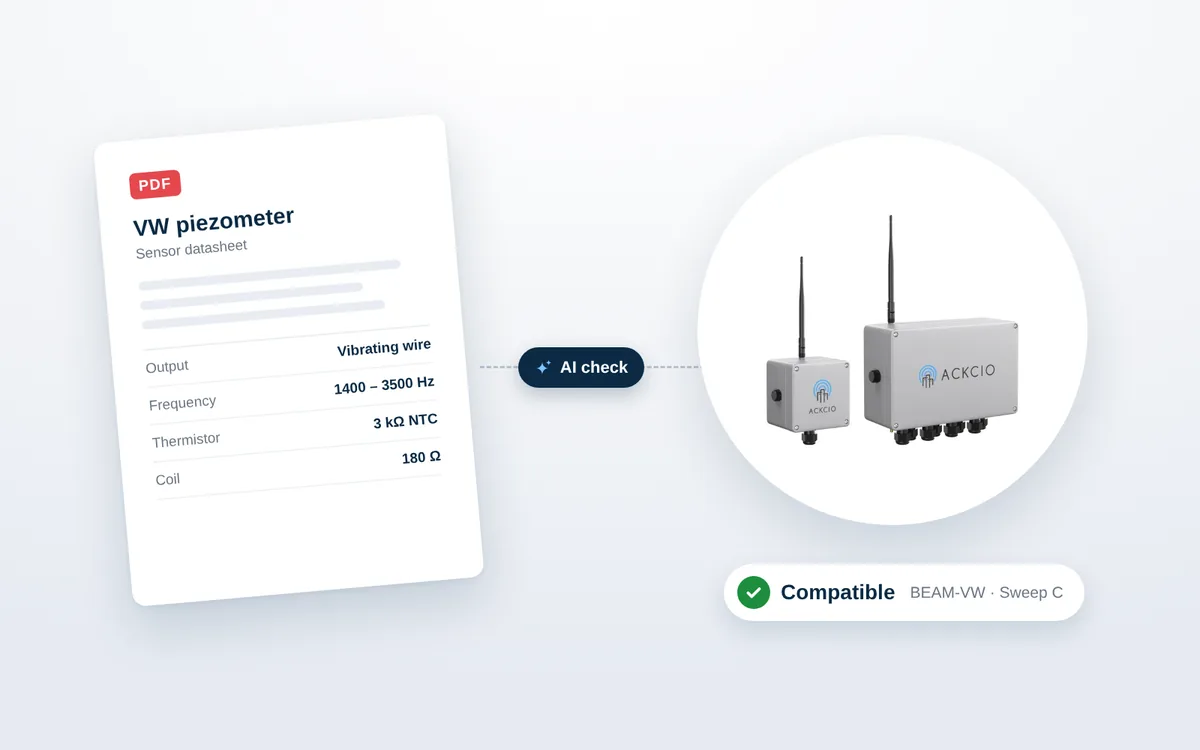 Sensor compatibility checkNEWUpload a sensor datasheet. AI checks it against Ackcio nodes.Check a sensor
PRODUCT NOTICES
See all release notes What’s new
Or browse by product
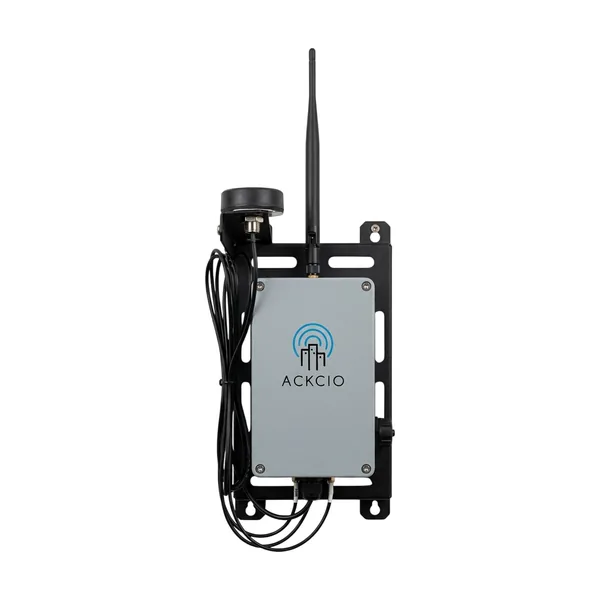
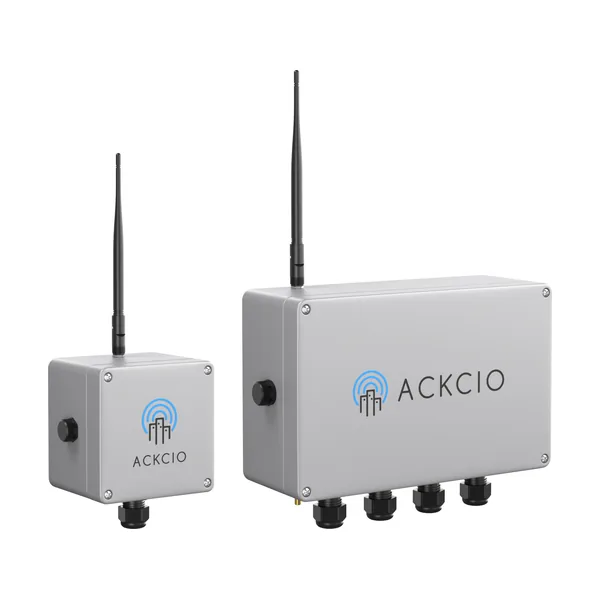
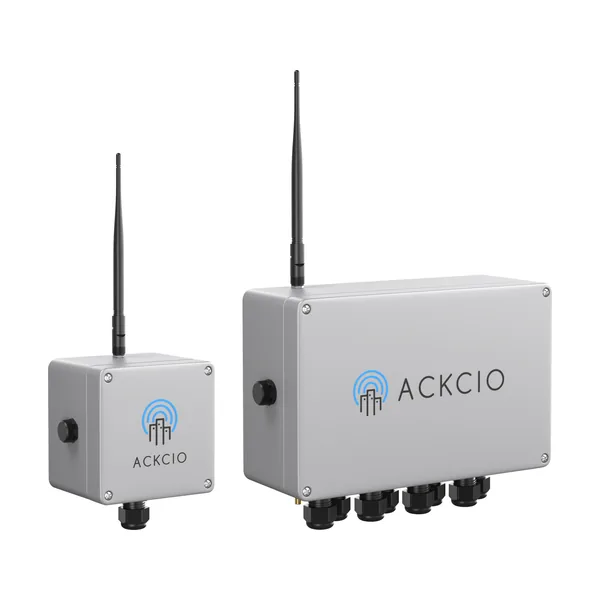
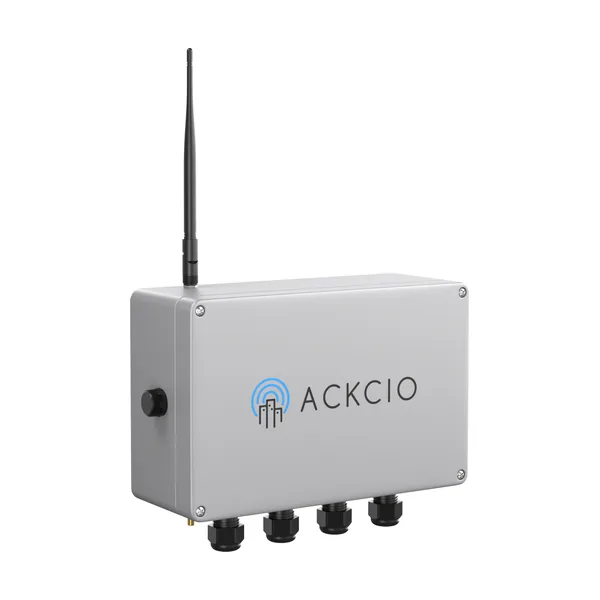
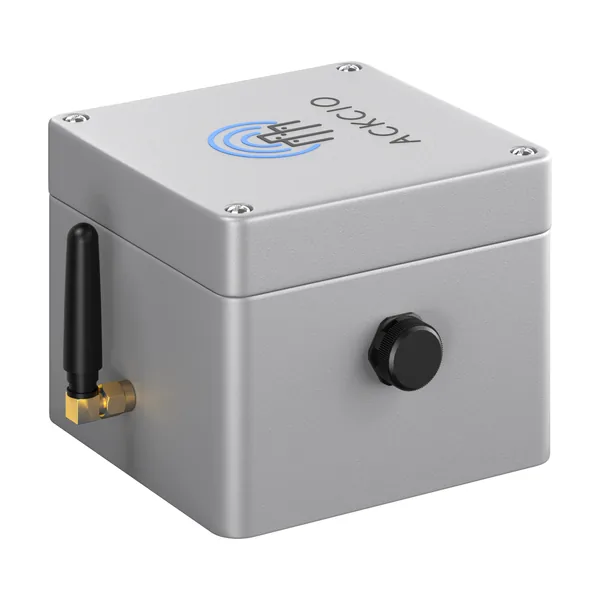
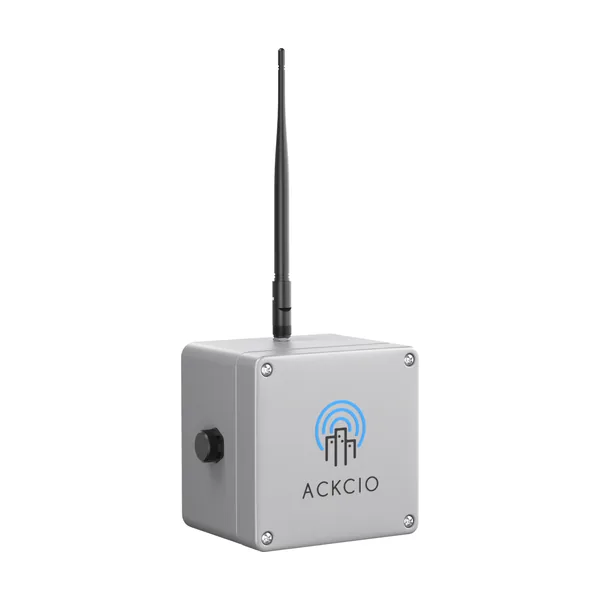
For when you have one question.GATEWAY AND NODES

Still stuck?
Email [email protected] and our support team will help.
We reply during Singapore office hours.